AI Video Analytics Buyer's Guide: How to Evaluate Vendors
How to evaluate AI video analytics vendors: existing-camera support, edge or cloud inference, data residency, multi-site control, pilots and support.
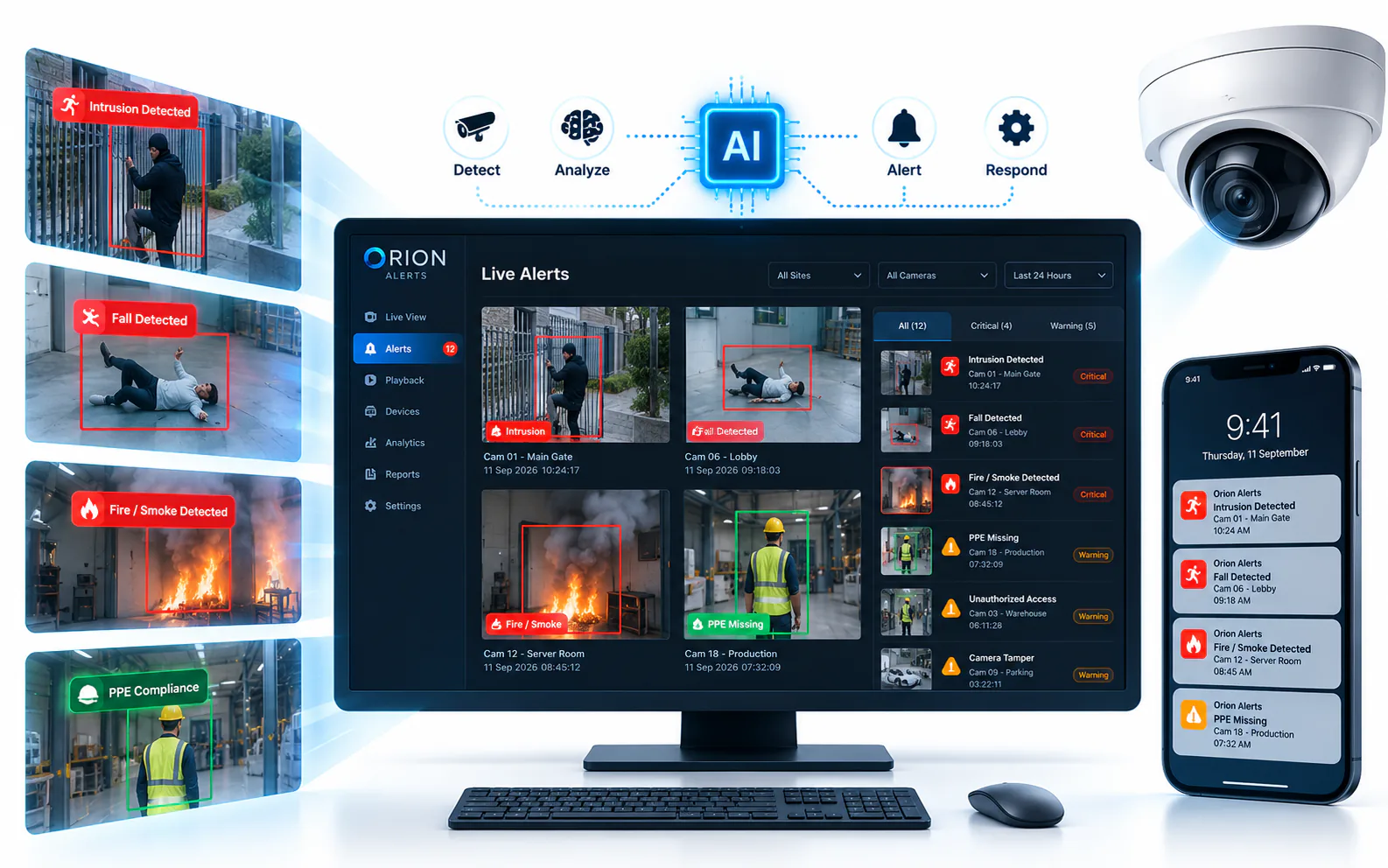
Key takeaways
- 01Start from your problems and your cameras, not a vendor's feature list: define the events you need detected and the sites where they matter.
- 02Confirm compatibility with your existing cameras and recorders, and ask exactly where inference runs and where video is stored.
- 03Run a pilot on your own cameras and sites, with success criteria agreed in writing before it starts.
- 04Weigh multi-site management, camera health, integration and local support as heavily as the list of detections.
Short answer: Evaluate AI video analytics vendors on fit with your estate and your problems, not on demo videos. Check that they work with the cameras and recorders you already own, where AI inference runs and where video is stored, how they manage many sites, whether they monitor camera health, how they integrate with your systems and what support looks like near your sites. Then prove it with a pilot on your own cameras, judged against criteria agreed in advance.
Buying AI video analytics is harder than buying cameras. Every vendor has a polished demo and the feature lists look alike, but what matters is how the system behaves on your cameras, network and sites. This guide sets out the questions to ask and a checklist for comparing vendors side by side. It is written with Indian multi-site organizations in mind, where mixed camera brands, branch networks with uneven connectivity and partner-led installation are common, but the approach applies anywhere.
What should you define before talking to vendors?
Write down what you want the system to do, in operational terms. A short brief makes every vendor answer the same question.
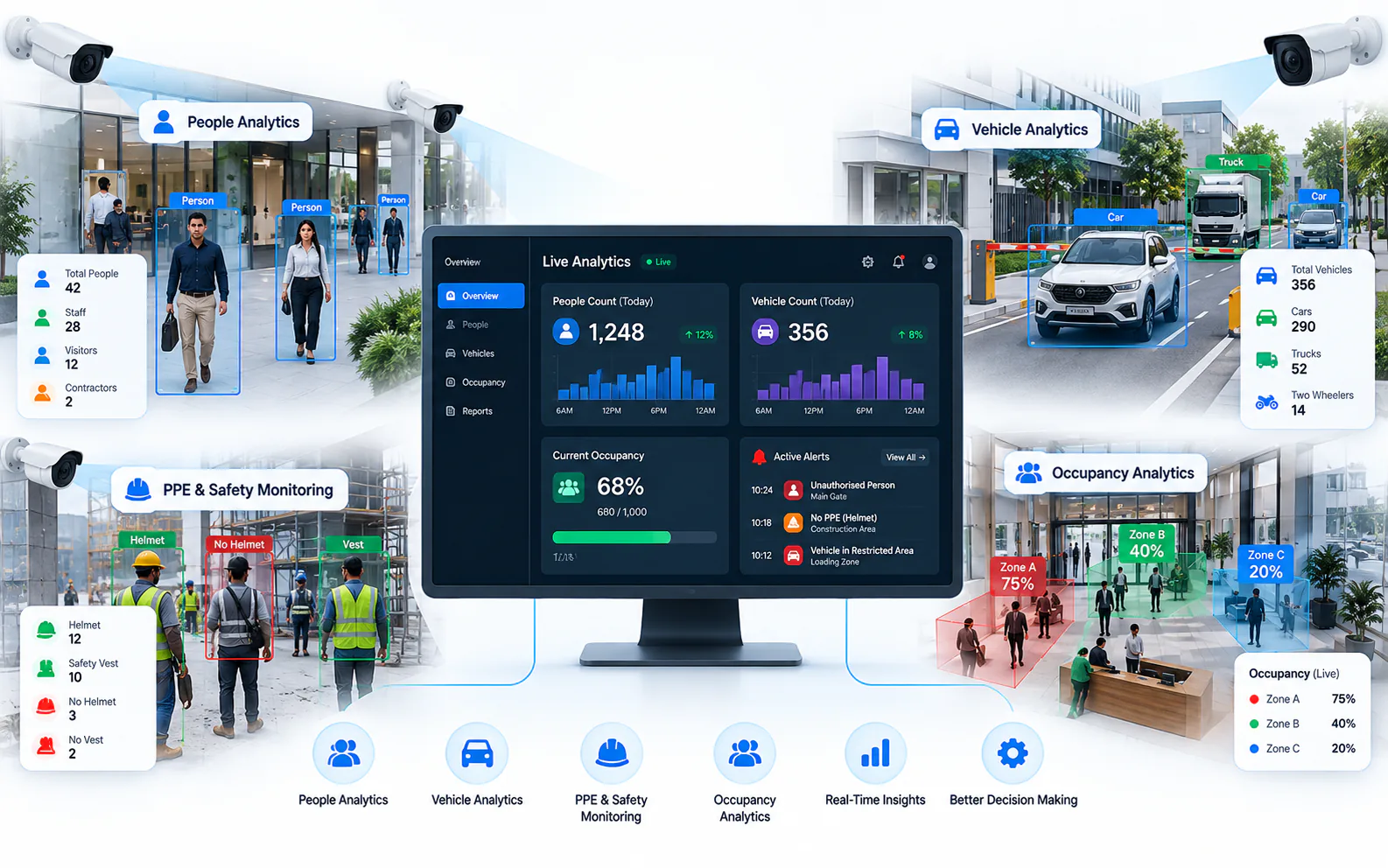
- The events that matter. For example, perimeter intrusion at night, PPE compliance on a production floor or vehicles in a restricted area. Browse common AI video analytics use cases for ideas.
- Where they matter. Which sites, which cameras and which hours.
- Who acts on an alert. A central control room, site security or a shift supervisor, and how each needs to be reached.
- Your estate. Camera and recorder brands and models, the number of sites and the connectivity at each.
- Your constraints. Data policies, IT security requirements and who will maintain the system.
Will it work with your existing cameras?
For most organizations, replacing working cameras is not an option. Ask each vendor how they connect: through standards such as ONVIF and RTSP, through vendor SDKs, or only with their own cameras. Then ask for compatibility to be confirmed model by model against your actual list, including older cameras and recorders.
Ask, too, what camera conditions their detections need: resolution, angle, lighting, field of view and distance to the subject. A credible vendor will say which cameras are suitable as they are, which need adjusting and which are not suitable for a given detection. Our guide to adding AI to existing CCTV cameras covers the compatibility checks, and the glossary entry on video analytics explains the basics.
Where does AI inference run?
This one question shapes bandwidth, alert speed, privacy and resilience. Inference can run on a node at the site (the edge), in the vendor's cloud or in a mix of the two.
Ask:
- Where exactly are frames analyzed, and on what hardware?
- What hardware is needed at each site, and who sizes it?
- How much upload bandwidth does each site need for analytics?
- What keeps working when the internet link goes down: recording, detection, local alerts?
Our comparisons set out the trade-offs, including on-premise versus cloud video analytics.
What data residency questions should you ask?
Even if your policies allow cloud processing, you need clear written answers about the data. Ask every vendor:
- 1Does any video leave the site? If so, which video, when and why?
- 2Where is video stored and processed, and in which country?
- 3What metadata, snapshots or clips are sent to a central system?
- 4Who at the vendor or its partners can access video, and is that access logged?
- 5How long is each type of data retained, and how is it deleted?
- 6Is customer video used to train or improve models?
Involve IT security and legal early, and get the answers into the contract.
How does it manage many sites?
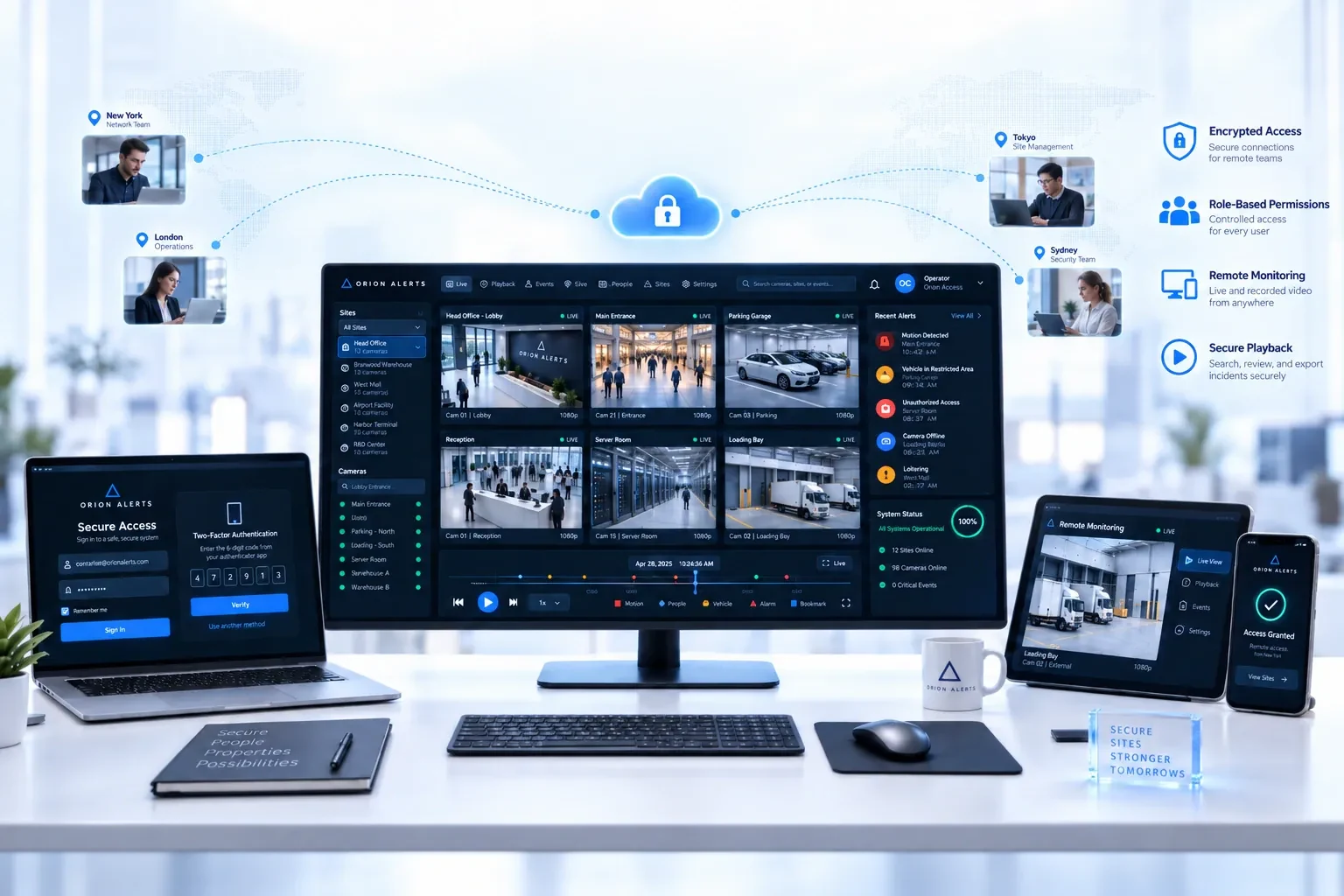
Look for one console across all sites, with role-based access so site staff, regional managers and auditors each see only their scope. Check how configuration, model updates and user changes are rolled out across sites, and whether a single alert queue covers every location. If you also need live view, recording and playback, check how the analytics relate to the VMS.
Does it monitor camera health?
AI cannot detect anything on a camera that is offline, blocked, out of focus or not recording. Ask whether the platform monitors cameras, recorders, storage and network links, and whether it alerts on problems such as a camera that is online but has stopped recording, or one that has been tampered with. Camera health monitoring is often what keeps analytics trustworthy after the first few months. If you will also track devices, warranties and maintenance, look at how asset tracking and AMC management connect to the same records.
How should you design a pilot?
A pilot is where claims meet reality. Design it so the result is clear whichever way it goes.
- Use your own cameras and sites, including at least one difficult view, such as poor lighting or a busy scene.
- Agree success criteria in writing before it starts: which events must be detected, how false alerts will be judged and how quickly operators must be able to act.
- Run it long enough to see normal variation, including night, shift changes and weather.
- Involve the people who will use it, not only the evaluation team.
- Record what happens: missed events, false alerts and their causes, how easy rules were to tune, how operators felt about the alert volume and how the vendor responded when something went wrong.
Treat the vendor's responsiveness during the pilot as a preview of support after purchase.
What integrations and support do you need?
Analytics are more useful when alerts reach the right people and systems. Ask how alerts are delivered and acknowledged, whether there is an API, and how the platform connects to existing VMS or NVRs, access control and ticketing tools. For support, ask who installs and maintains the system near your sites, how software updates are delivered and rolled back, and what happens when a site node or camera fails.
Finally, ask how pricing is structured, for example by cameras, sites, modules or support scope, so you can compare like with like. See how OrionAlerts pricing works.
What should be on your evaluation checklist?
Use this table to score each vendor consistently, and agree the weighting with stakeholders before the first demo.
| # | Criterion | What to ask or check |
|---|---|---|
| 1 | Problem fit | Does it detect the events in your brief, at your sites? |
| 2 | Existing cameras | Is compatibility confirmed model by model for your cameras and recorders? |
| 3 | Protocols | Does it support ONVIF, RTSP and vendor SDKs, or only its own cameras? |
| 4 | Inference location | Does inference run on site, in the cloud or both, and on what hardware? |
| 5 | Data residency | Where is video stored and processed, and what leaves the site? |
| 6 | Resilience | What keeps working during an internet outage? |
| 7 | Multi-site management | Is there one console, alert queue and role model across sites? |
| 8 | Camera health | Does it flag offline, tampered or non-recording cameras? |
| 9 | Alert handling | How are alerts delivered, acknowledged and escalated? |
| 10 | Integration | Is there an API, and does it work with your VMS, NVRs and other systems? |
| 11 | Pilot results | Did it meet the success criteria agreed in advance? |
| 12 | Support and updates | Who supports your sites, and how are updates rolled out and rolled back? |
How does OrionAlerts approach these questions?
OrionAlerts is an enterprise video intelligence platform from Global Ace Technology Pvt. Ltd., Mumbai, India. Measured against the checklist above:
- Existing cameras and protocols: AI video analytics run on existing CCTV and IP cameras connected through ONVIF, RTSP and vendor SDKs, with compatibility confirmed model by model during solution design.
- Inference location and data residency: in the standard deployment, video and AI processing stay on an on-site Nebula OS node, with GPU acceleration where AI analytics are enabled. Only health status, alerts, configuration and operational metadata synchronize to Orion Cloud.
- Resilience: recording and detection run on site, so they do not depend on a fast internet link.
- Multi-site management: each site runs its own node, and Orion Cloud gives one view across locations, with role-based access for operators, managers and auditors.
- Camera health: the Health Monitoring module flags cameras that are offline or have stopped recording, and asset tracking and AMC management share the same device records.
- Alert handling: alerts reach the dashboard, mobile app and email, and zone and schedule rules decide which events raise an alert.
- Pilot: alerts are checked against their video clips during a pilot, before the same rules are applied across sites.
- Support model: deployments can also be partner-managed, with system integrators and AMC providers running nodes for their clients.
FAQs
How long should an AI video analytics pilot run?
Long enough to cover normal variation at the site, such as day and night, shift changes and busy and quiet periods. Agree the duration and success criteria with the vendor before the pilot starts, and extend it if a condition that matters, such as monsoon weather or a seasonal peak, has not yet occurred.
Do I need new cameras for AI video analytics?
Often not. Many platforms work with existing IP cameras through ONVIF, RTSP or vendor SDKs, and analog cameras can often be used through a DVR or encoder that provides a network stream. Some views may need repositioning or better lighting for specific detections, so a pilot should show which cameras are good enough before you buy new hardware.
Should AI video analytics run on site or in the cloud?
It depends on bandwidth, data policies, the number of cameras and how reliable your internet links are. On-site inference keeps video local and keeps working during outages; cloud inference needs less hardware at the site. Many multi-site organizations combine them, with inference at each site and management in one central console.
What is the most important thing to ask a vendor?
Ask to see the system working on your own cameras at your own sites, not on curated demo footage. A pilot with success criteria agreed in writing shows how detections cope with your lighting, angles and traffic, how noisy the alerts are and how the vendor responds when something needs fixing.
Keep reading
Related articles
AI Video Analytics · 26 Oct 2026 · 8 min read
Edge vs Cloud Video Analytics: Where Should AI Inference Run?
Edge vs cloud video analytics compared: bandwidth, alert latency, privacy, WAN outages and cost structure, plus when a hybrid model makes sense.
AI Video Analytics · 26 Oct 2026 · 8 min read
How to Add AI to Existing CCTV Cameras Without Replacing Them
Add AI video analytics to the CCTV cameras you already own: compatibility checks, ONVIF and RTSP, edge vs cloud processing and a pilot-first rollout.