Education & Campuses
AI CCTV for Schools & College Campuses
Verify perimeter alerts, see arrival congestion at gates and reception, and give staff the location and clip they need to respond across school and college campuses, with monitoring focused on observable safety events.
Built for: School administrators · Campus security · Safeguarding · Facilities teams
Help staff respond while respecting the people on campus.
Arrival, dispersal and public events create changing activity around a campus. Staff need timely context about entrances, boundaries and common areas, without treating ordinary student behaviour as suspicious. Begin with entrances and boundaries, then assess any broader use against a specific safety purpose. Schools and universities have different populations and responsibilities, so each sets its own monitoring policy.
Education · Use cases
Use cases for schools and campuses
Map gates, reception and admission offices
Cameras sit under the campus, building and reception zone, whether that is a school block or a university academic building, so a question about the admission-office zone goes straight to its views.
Check this morning's reception zone
Ask Vision Copilot, “Show observations from the admission-office zone this morning,” to review arrivals at that zone.
Find common areas that congest at arrival
Ask, “Which covered common areas had repeated congestion during arrival?” to see which areas need guidance or staffing changes.
Plan tomorrow's arrival period
Ask, “What should the administration team review before tomorrow's arrival period?” Suggestions such as revised visitor guidance or arrival staffing come with their observations for administration to decide.
Rank common areas for staff attention
Scores out of 100 for arrival-area flow, common-route readiness and service-area control compare common areas across operating periods, with every score tied to a place.
Education · Vision Copilot
Ask about your campus in plain language
Type a question in everyday language and Vision Copilot searches the observations from your mapped cameras for that place and time.
Questions to try
- What should the administration team review before tomorrow's arrival period?Example answer shown
- Show observations from the admission-office zone this morning.
- Which covered common areas had repeated congestion during arrival?
Question
What should the administration team review before tomorrow's arrival period?
Location
School or University Campus → School Block or Academic Building → Ground Floor → Reception Zone → Admission Office
Answer
Repeated arrival-period congestion appears around the admission-office approach. Suggested next step: review visitor guidance and arrival staffing with administration; assess the outcome during comparable arrival periods.
Decision owner
Administration / campus security
Education · Location map
Your campus, mapped
Cameras are mapped to the selected reception or admission-office zone, whether that is a school's main block or a university's academic building, so questions about the admission-office zone start from recognisable operational context.
Site
School or University Campus
Building
School Block or Academic Building
Floor
Ground Floor
Zone
Reception Zone
Room
Admission Office
Education · How it works
How OrionAlerts works for schools and campuses
OrionAlerts maps each camera to a place, analyses its scenes over time, and sends alerts to the dashboard, mobile app and email for the team that owns that area.
- 01Map
- 02Observe
- 03Ask
- 04Prioritise
- 05Act
- 06Review
Education · Deployment
Preparing a campus for a pilot
Involve safeguarding, administration and privacy owners from the start. Keep toilets, changing areas and other private spaces out of camera view, and validate purpose, access, retention and any child-related requirements before expanding coverage.
- Mapped hierarchy for pilot entrances, reception and common areas
- Safeguarding, administration and privacy ownership for the pilot
- Purpose, access and retention rules validated before expansion
- Exclusion of toilets, changing areas and other private spaces
Education · Standards
Standards context for schools and campuses
Affiliated schools assess CBSE school-safety provisions for their campus, while universities follow their own requirements. Child-data and monitoring requirements get a dedicated privacy review.
CBSE school-safety provisions
CBSE school-safety provisions set affiliation and safety requirements for relevant affiliated schools.
Official sourceDigital Personal Data Protection Act / Rules
India's digital personal data protection framework governs purpose, access and retention for personal data, including video where applicable.
Official source
Education · Pilot evaluation
What to measure in a campus pilot
Compare reviewed alerts with what actually happened, including missed events and nuisance alerts, before you set a rollout target.
Verified perimeter events
Confirmed relevant after-hours or boundary events divided by reviewed alerts for the defined areas, using an agreed review rubric.
Source of truth: Authorised tests and staff observations
Staff acknowledgement time
Acknowledgement timestamp minus delivered or available alert timestamp for reviewed campus events.
Source of truth: Alert delivery and staff acknowledgement records
Count error during sampled arrival periods
Difference between camera-derived aggregate occupancy estimates and manual samples for the same arrival window.
Source of truth: Staff observations and camera-derived counts
Education · Solutions
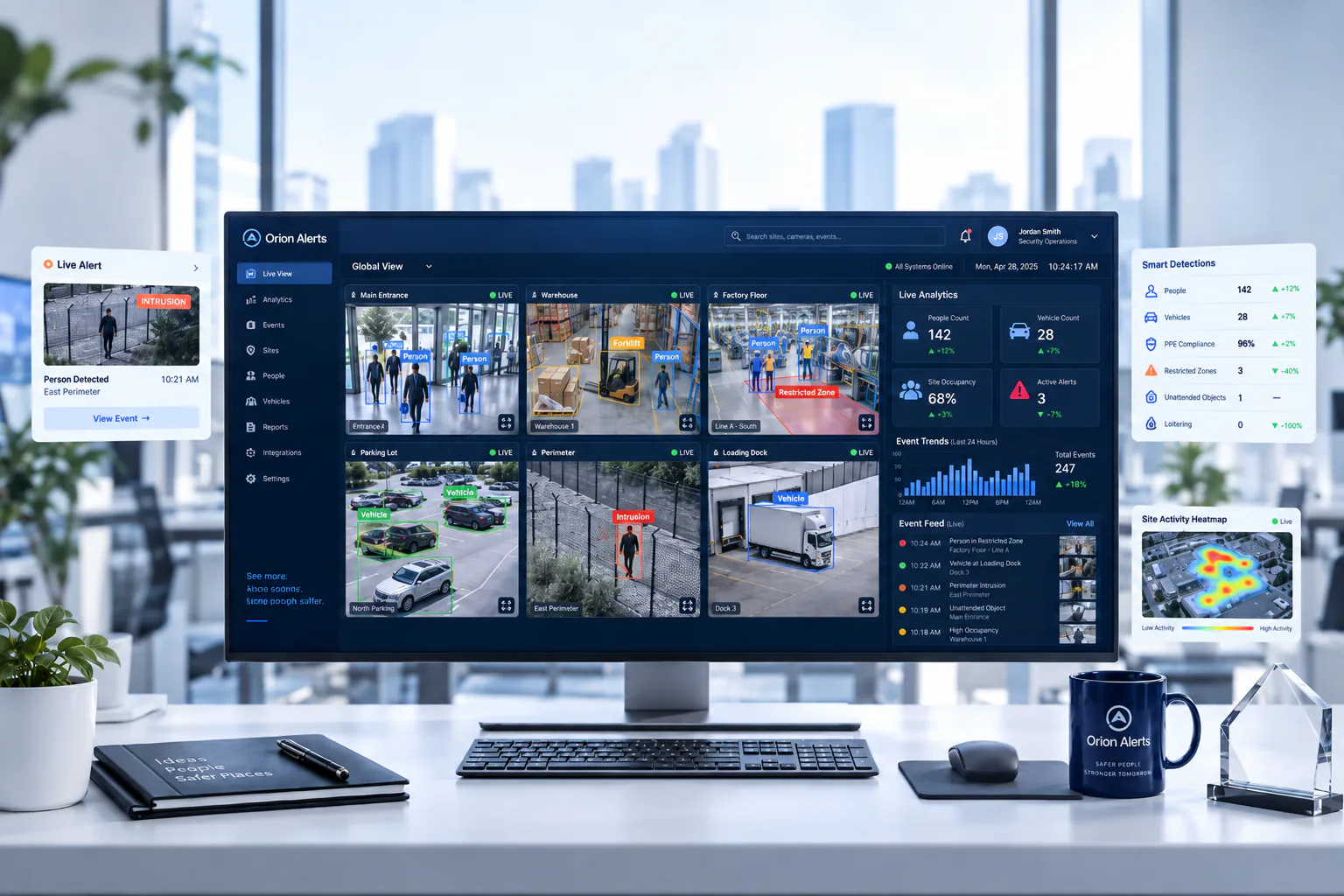
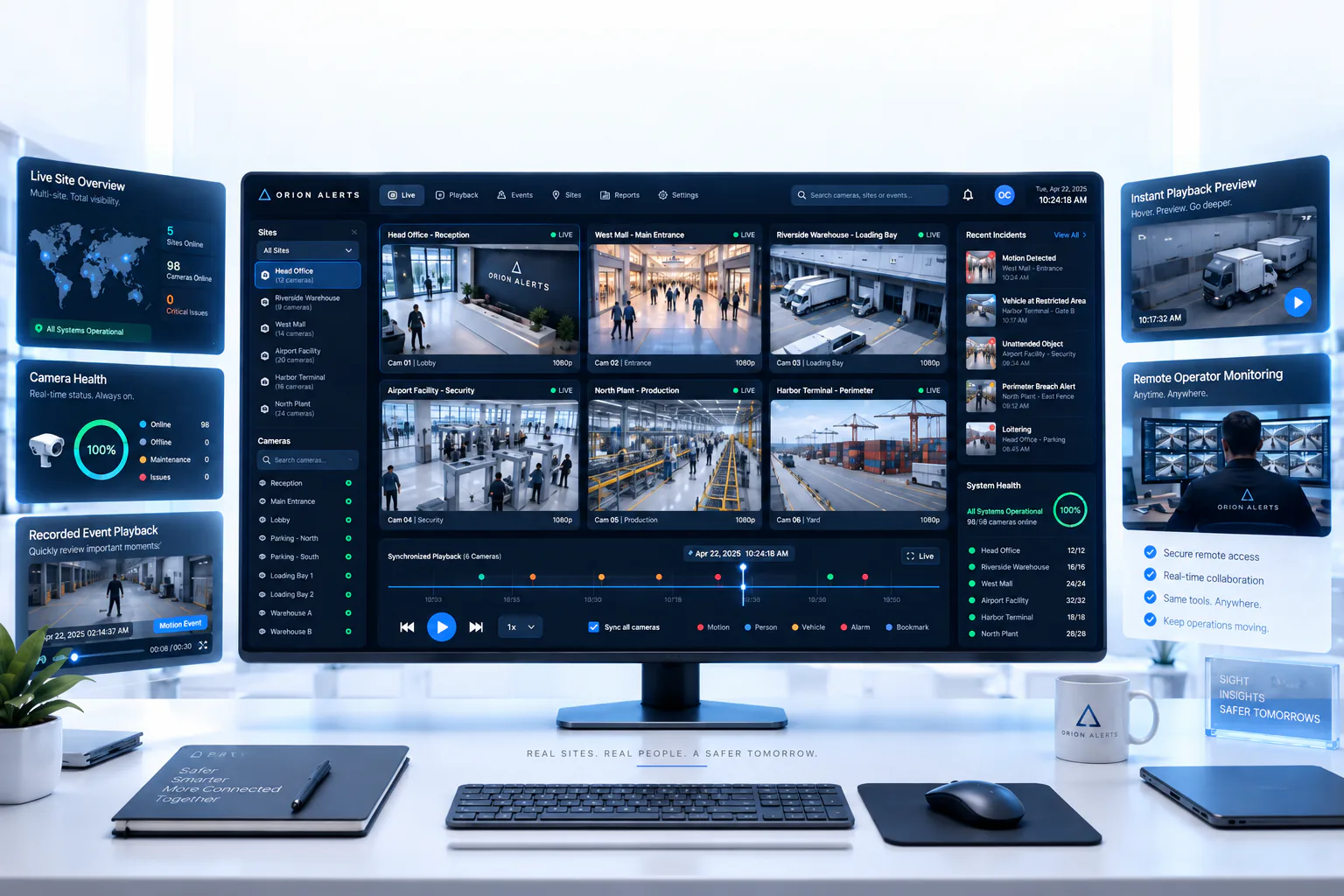
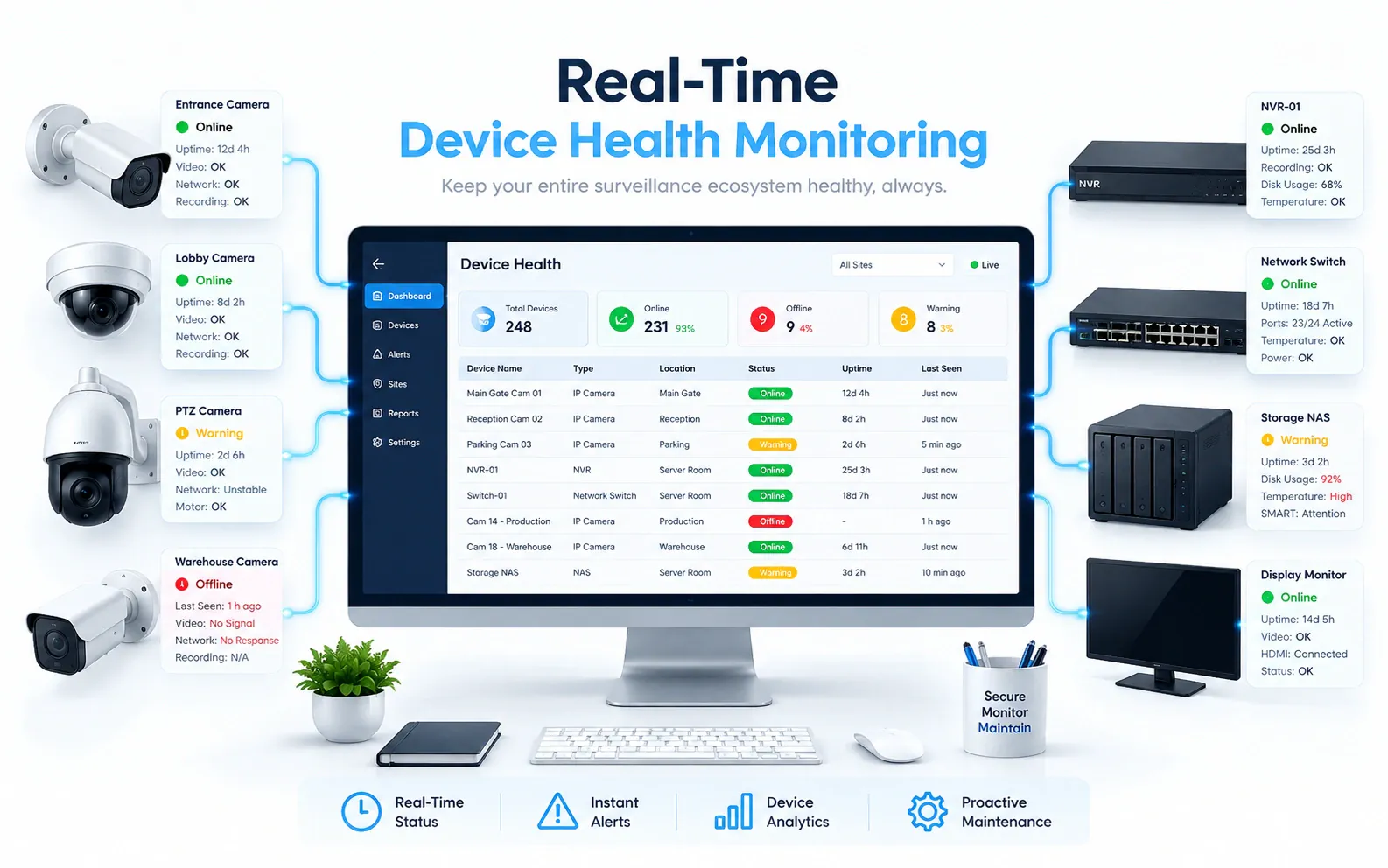
OrionAlerts solutions for schools and campuses
Education · Questions
AI video analytics for schools and campuses: common questions
How can schools use AI CCTV safely?
Start with entrances and boundaries that have a documented safety purpose and an accountable response team. Keep toilets and changing rooms out of camera view, limit footage access to authorised staff, and review CBSE school-safety provisions where they apply. Expand coverage only after purpose, access and retention are validated.
Can AI CCTV alert staff to a perimeter event on campus?
Yes. After-hours or boundary events at mapped gates and boundaries are flagged with the location and clip and sent to the dashboard, mobile app and email for campus security to verify. Pilots measure verified perimeter events and staff acknowledgement time before coverage is expanded.
Does the scope include facial-recognition attendance?
No. Campus deployments focus on observable safety events at entrances, boundaries and common areas, and biometric attendance and identity profiling are outside this scope. Scores and alerts describe places, such as a gate or reception zone, rather than individual students, and any broader use is assessed against a specific safety purpose first.
Can AI determine bullying?
No. Video can show a visible incident in a covered common area for trained staff to review, with the location and time. Intent and the full context behind an incident are established through the school's safeguarding processes and human judgement, so an alert is a prompt for staff attention rather than a finding.
Can we use our existing CCTV cameras?
Yes, in most cases: OrionAlerts connects to compatible IP cameras and recorders through ONVIF, RTSP and vendor SDKs, so working hardware can usually stay in place. A short assessment checks camera position, image quality and network access for each use case, and confirms compatibility model by model before the pilot starts.
Where is the video stored, and who can see it?
On site: video and AI inference stay on the on-site node, while Orion Cloud syncs alerts, health status and configuration metadata for central management. Role-based access means each user sees only the sites, cameras and functions in their scope, and retention is set per camera, zone or site to follow your own policy.
Education · Further reading
Further reading for campus teams
Education · Related
Industries related to schools and campuses


Ask Vision Copilot about your campus.
Give campus security and administration one view of gates, reception and common areas.