What Is a Vision Intelligence Platform? Definition, Components and How to Evaluate One
What a vision intelligence platform is, how it differs from an NVR, a VMS and standalone video analytics, and a checklist for evaluating one.
Key takeaways
- 01A vision intelligence platform sits above CCTV and IP cameras and turns live video into prioritized alerts, searchable evidence and maintenance actions.
- 02An NVR records, a VMS views and manages video, video analytics detect events; a platform connects all of these to decisions across sites.
- 03Its core components are device connectivity, video management, AI analytics, alert workflows, camera health and asset/maintenance records.
- 04Evaluate on workflow fit: existing-camera support, multi-site policy, noise control, health monitoring and where video is processed.
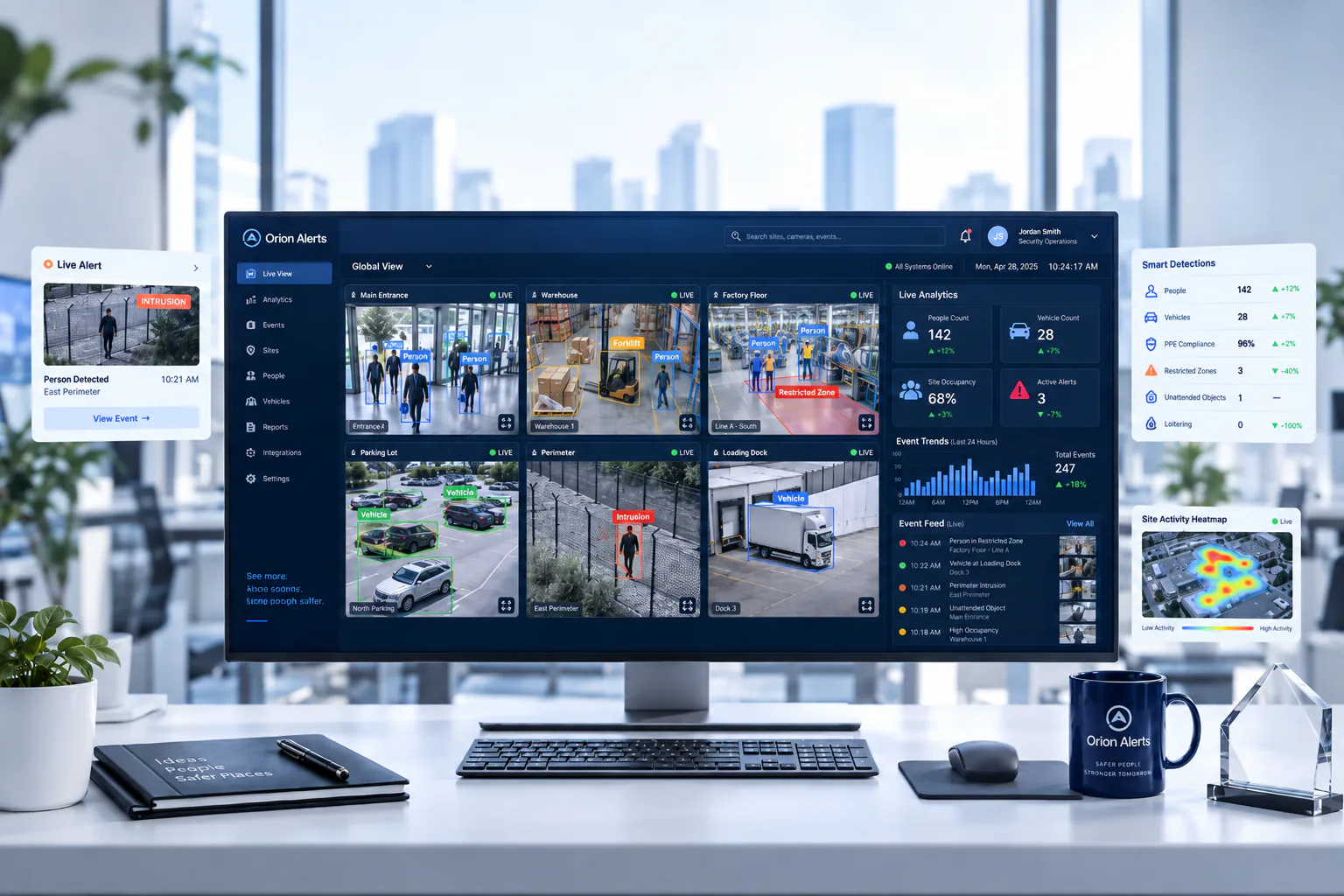
Short answer: A vision intelligence platform is software that sits above CCTV and IP cameras, applies computer vision and policy rules to live video, and turns events into prioritized alerts, searchable evidence and maintenance actions across sites. Unlike an NVR, which records, or a VMS, which views and manages video, it is built to drive decisions.
Many buyers still evaluate video as a device purchase: how many cameras, what resolution, how many days of storage. A vision intelligence platform reframes the question: how do we convert continuous visual data into prioritized actions for security, safety and operations teams?
What does a vision intelligence platform do?
It watches video so people do not have to, and hands them only the moments that need a decision, with the evidence attached.
In practice that means four jobs running together:
- Detect: apply AI models to live streams to recognize people, vehicles, PPE, smoke, crowding or entry into restricted zones.
- Decide: apply policy (zones, schedules, severity, ownership) so a detection becomes an alert only when it matters.
- Notify and track: send the alert to the right role, record who acknowledged it and keep the clip for review.
- Keep the estate working: monitor whether cameras are online and recording, and link faults to the assets and maintenance contracts behind them.
The last job is often missing from analytics-only products, and it is the one that decides whether coverage survives the first year.
How is it different from an NVR, a VMS or video analytics?
Each layer answers a different question: an NVR asks "is it recorded?", a VMS asks "can we see and find it?", analytics ask "did something happen?" and a platform asks "who needs to act, and is the system able to see it at all?"
| Aspect | NVR | VMS | Video analytics | Vision intelligence platform |
|---|---|---|---|---|
| Main job | Record and play back cameras on one recorder | View, manage and search video across recorders and sites | Detect specific events in video | Turn video events into prioritized, owned actions |
| Typical scope | One device, one site | Many cameras, users and sites | Selected cameras and rules | Whole camera estate across sites |
| Output | Stored footage | Live wall, playback, exported evidence | Detections and alerts | Routed alerts, evidence, reports and maintenance tickets |
| Camera health | Basic device status | Varies by product | Usually not covered | Monitored as part of the system |
| Assets and AMC | Not covered | Usually not covered | Not covered | Linked to each device |
The terms overlap in marketing, so it helps to read our glossary entries on NVR vs DVR vs VMS, VMS and video analytics. For a deeper look at the first two layers, see VMS vs NVR: when does a multi-site enterprise need a VMS?
What are the core components?
A complete platform combines six building blocks that share the same device and event records.
Device connectivity
A device layer that connects cameras and recorders from different brands, typically through ONVIF, RTSP and vendor SDKs, so the estate is not locked to one manufacturer.
Video management
Live view, recording, playback, search and evidence export, with role-based access. This is the classic VMS layer.
AI video analytics
Detection models and a rules engine that run on live streams, on site or in the cloud. Edge AI video analytics keep inference close to the cameras.
Alert and incident workflow
Severity, routing, acknowledgment, escalation and an audit trail, so every alert has an owner and an outcome.
Camera health monitoring
Continuous checks on cameras, recorders, storage and network links, so offline cameras and recording gaps are found before an incident. See camera health monitoring.
Asset and maintenance records
A register of every device, with warranty, AMC coverage, service history and vendor SLAs, so a fault becomes a ticket against the right contract.
Why do deployments start with security and expand to operations?
Many deployments begin with security outcomes, but the same cameras can then support safety and operations, because they already point at the places where work happens.
Typical first projects are perimeter awareness, after-hours intrusion and restricted zones. Once those are working, teams add PPE and safety compliance on production floors, vehicle and dock activity in logistics, crowding on campuses and process monitoring in regulated environments such as pharma. The platform does not change; the rules and the owners of each alert do.
How do you evaluate a vision intelligence platform?
Judge it on workflow fit, from alert to investigation to maintenance, rather than on the length of the detection list.
Use this checklist when comparing vendors:
- 1Existing cameras. Does it work with the cameras and recorders you already own, and how is compatibility checked model by model?
- 2Where video is processed. Can inference run on site, so raw video stays inside your network, with only alerts and metadata sent to a central console?
- 3Noise control. Can you set zones, schedules, severity and persistence per camera, and pilot rules before rolling them out?
- 4Routing and ownership. Can alerts go to different teams by type and site, with acknowledgment and escalation recorded?
- 5Multi-site policy. Can one tuned policy be applied across many sites, while site teams see only their own scope?
- 6Camera health. Will it tell you when a camera is offline, obstructed or not recording, not only when it detects an event?
- 7Assets and AMC. Are devices, warranties, AMC contracts and service tickets connected to the same records as the alerts?
- 8Evidence. How quickly can an investigator find, review and export the clip behind an alert?
- 9Integration. Are there APIs to connect access control, ticketing or ERP systems?
- 10Pilot terms. Will the vendor validate the use cases on your own cameras and scenes before you commit?
Ask every vendor to demonstrate these on footage from your own site. A demo on curated sample video says little about how a model will behave with your lighting, angles and traffic. Our AI video analytics buyer's guide adds a full evaluation checklist and pilot plan.
Where does OrionAlerts fit?
OrionAlerts is an enterprise video intelligence platform of this kind, from Global Ace Technology Pvt. Ltd., Mumbai, India. It turns existing CCTV and IP cameras into real-time AI video analytics alerts, and combines a VMS, camera health monitoring, asset tracking and AMC management on Nebula OS, its Linux-based operating system.
The modules are AI video analytics for detection, the VMS for live view, playback and investigation, health monitoring for camera and recording status, and asset tracking and AMC management so uptime stays part of the operating model. Because they run on Nebula OS with one device model, a detection, a camera outage, an asset record and a maintenance ticket all refer to the same device. If you are starting from an existing estate, read how to add AI to existing CCTV cameras.
FAQs
Is a vision intelligence platform the same as a VMS?
No. A VMS manages, views and records video. A vision intelligence platform includes those functions and adds AI detection, alert workflows, camera health monitoring and asset and maintenance records on the same device records. The aim is for video to drive decisions and maintenance actions, not only to be stored and reviewed.
Do I need new cameras to use one?
Usually not. Most platforms work with existing IP cameras that provide standard streams, but compatibility should be checked model by model, and some scenes may need a better-positioned camera. Analog cameras usually need a DVR or encoder that provides a network stream before analytics can use them.
Is it only for security teams?
No. Security is the usual starting point, but safety, operations, facilities and maintenance teams can use the same platform for PPE compliance, occupancy, process exceptions and camera uptime. Each team sees the alerts and sites in its own scope, while the cameras, rules and device records stay shared.
Keep reading
Related articles
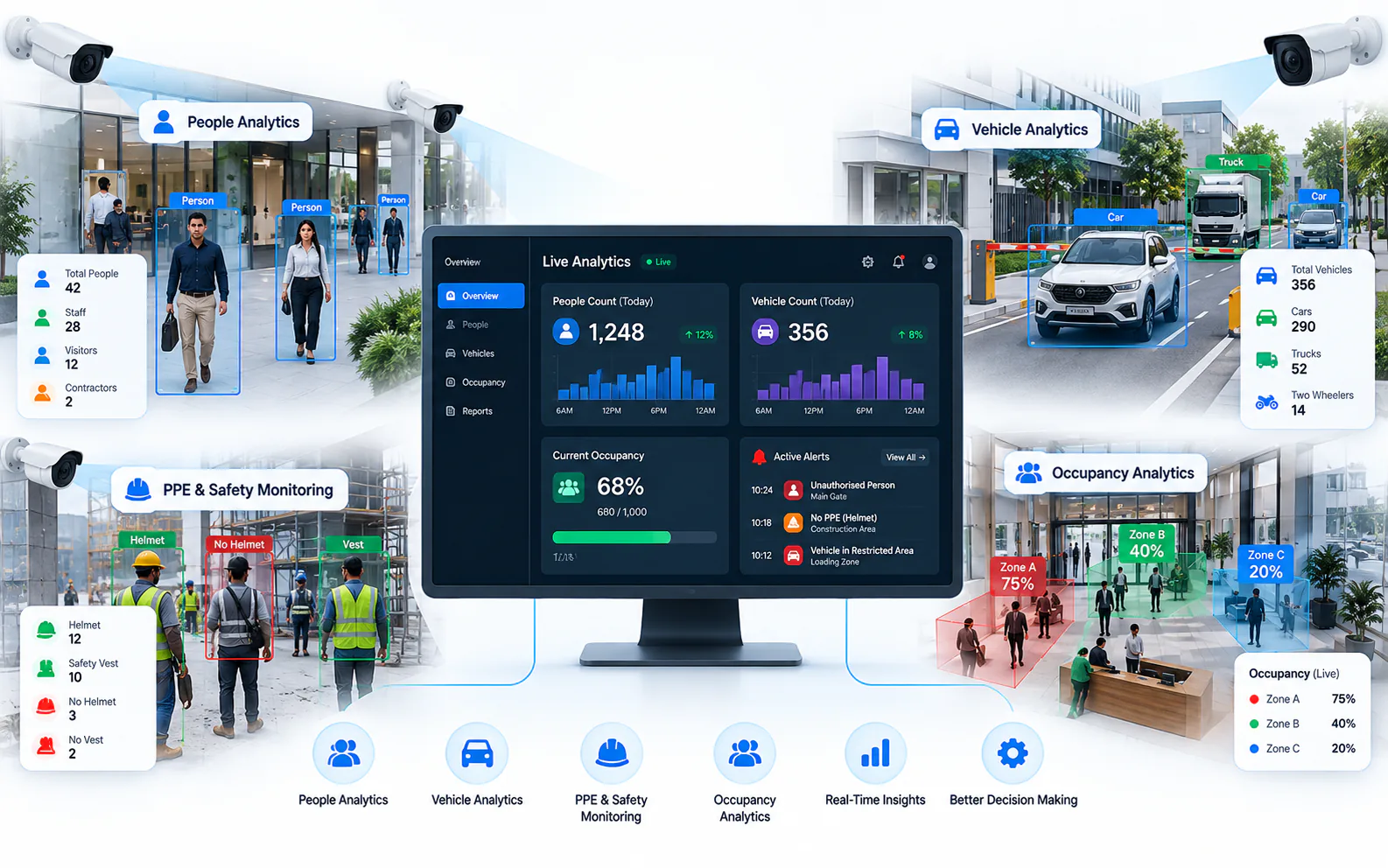
AI Video Analytics · 26 Oct 2026 · 8 min read
How to Add AI to Existing CCTV Cameras Without Replacing Them
Add AI video analytics to the CCTV cameras you already own: compatibility checks, ONVIF and RTSP, edge vs cloud processing and a pilot-first rollout.
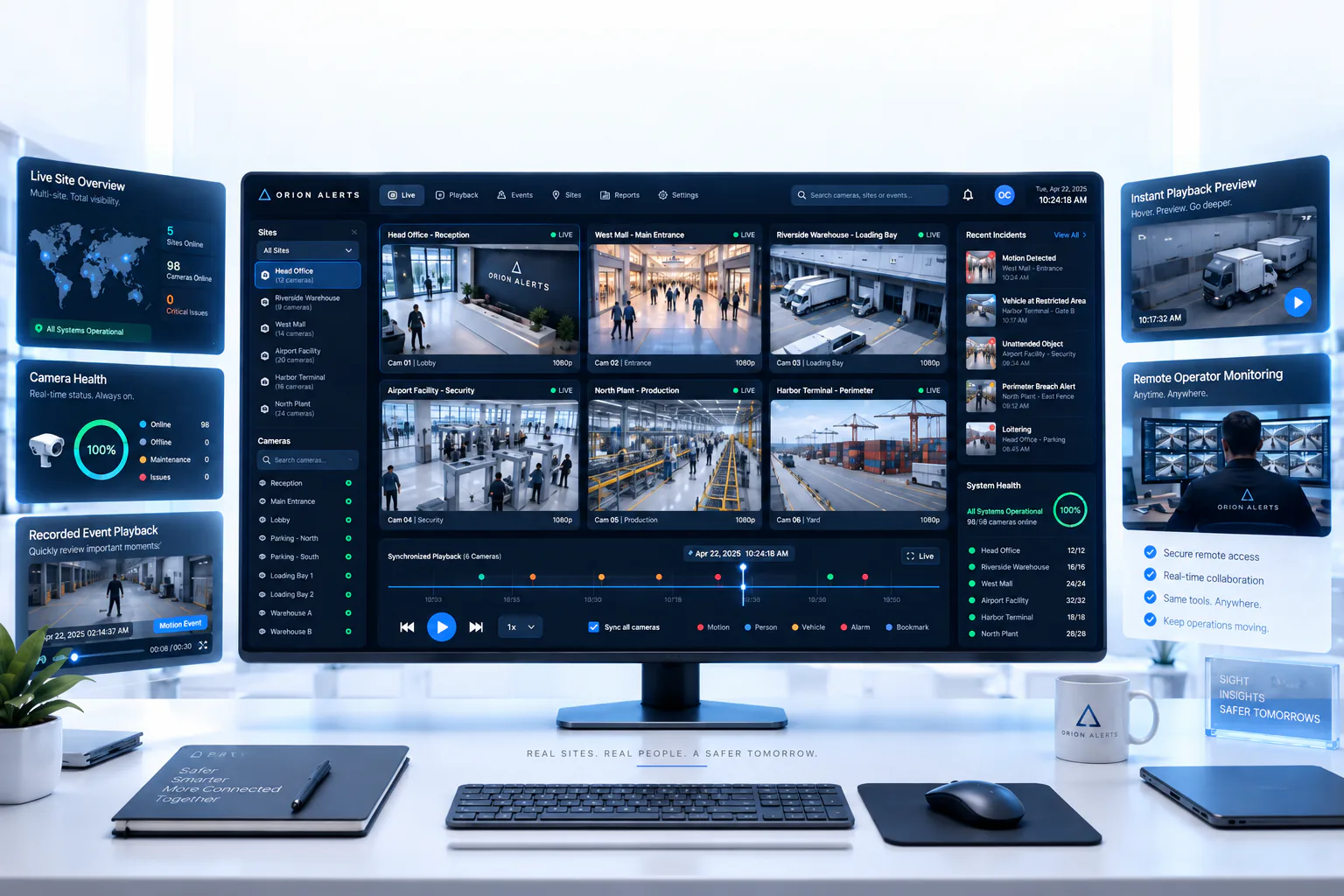
AI Video Analytics · 4 Aug 2026 · 9 min read
CP Plus AI Video Analytics: Add Real-Time Alerts to Existing CP Plus Cameras
How OrionAlerts adds real-time AI video analytics to existing and STQC-certified CP Plus cameras and NVRs: compatibility, use cases and phased rollout.